How to Make Your Digital Menu ADA and EAA Compliant (Before You Get Fined)
Learn how to achieve digital menu accessibility compliance with our 8-point checklist. Avoid ADA and EAA fines up to $150K - actionable steps for restaurants.
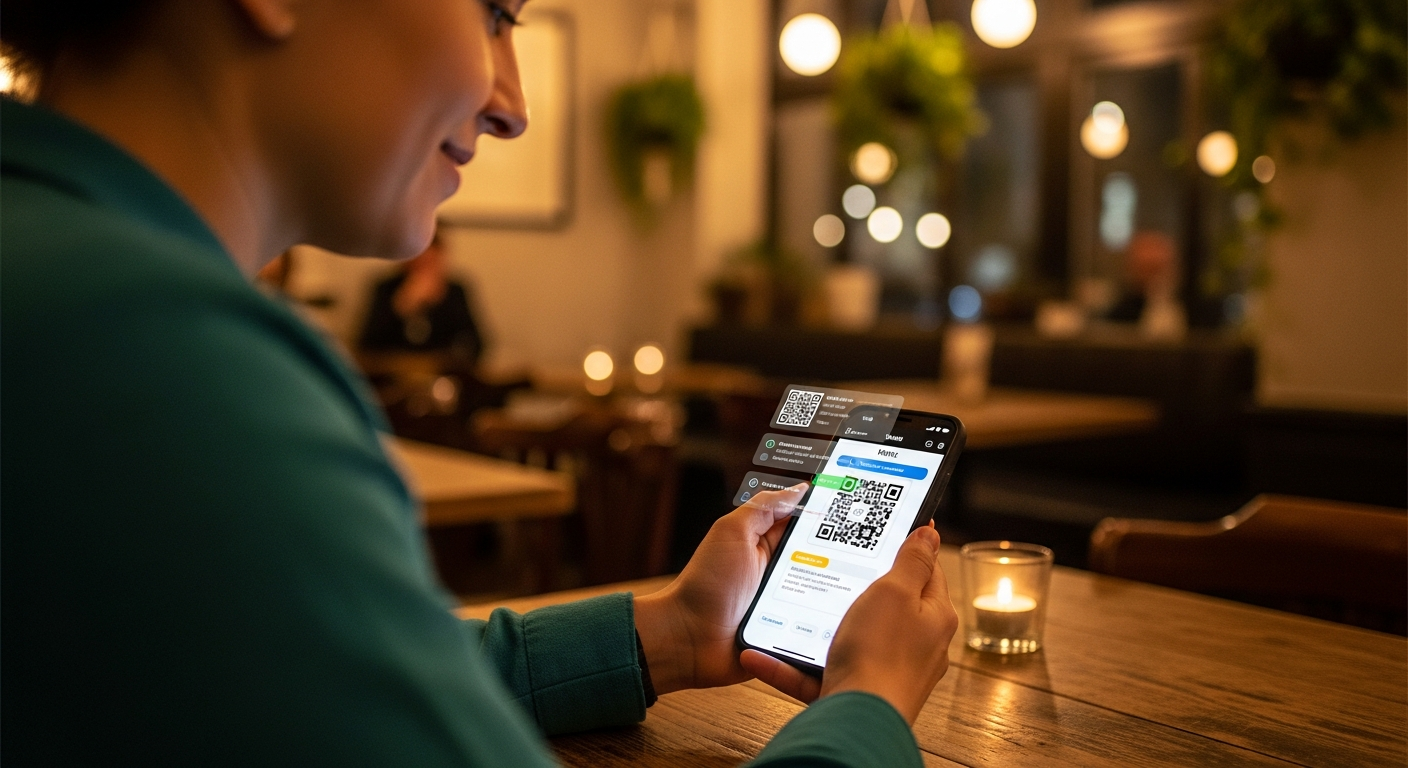
A blind customer scans your QR code, and their screen reader announces… nothing useful. Just a jumbled mess of unlabeled images and broken navigation. That scenario isn't just embarrassing - as of 2026, it's illegal in most of the western world. Digital menu accessibility compliance is no longer optional, and restaurants are squarely in the crosshairs of enforcement agencies on both sides of the Atlantic.
If your restaurant uses a QR code menu, a digital ordering system, or any web-based menu, this guide is for you. Here's exactly what the law requires, what non-compliance costs, and how to fix your menu before regulators come knocking.
Why Digital Menu Accessibility Is Now a Legal Requirement
Two major regulations have converged to make accessibility a hard legal obligation for restaurants:
In the United States: The Americans with Disabilities Act (ADA) has applied to restaurants since 1990, but the Department of Justice issued updated guidance in 2024 explicitly confirming that digital services - including online menus and ordering platforms - must meet WCAG 2.1 Level AA standards. Courts have consistently sided with plaintiffs in lawsuits against restaurants with inaccessible digital menus. Over 4,600 ADA-related digital accessibility lawsuits were filed in 2025 alone, and hospitality was the second most targeted industry.
In the European Union: The European Accessibility Act (EAA) entered full enforcement in June 2025. It requires all digital products and services offered to EU consumers - including restaurant menus accessed via QR codes or websites - to conform to the EN 301 549 accessibility standard. This applies to any restaurant serving customers in the EU, regardless of where the business is headquartered.
The bottom line: if customers interact with your menu digitally, that menu must be accessible to people with visual, auditory, motor, and cognitive disabilities.
The Real Cost of Non-Compliance: Fines, Lawsuits, and Lost Revenue
Ignoring digital menu accessibility compliance isn't just risky - it's expensive.
- ADA lawsuits in the US routinely settle for $10,000–$50,000, with statutory damages reaching up to $150,000 for repeat violations. Legal fees often double those numbers.
- EAA penalties in the EU vary by member state, but Germany, France, and the Netherlands have already issued enforcement actions against hospitality businesses in early 2026. Fines start at €5,000 and scale with revenue.
- Demand letters are the most common first step. Plaintiff firms send thousands per year - and most restaurants settle quickly because fighting is more expensive than fixing the problem.
- Lost customers: Roughly 1 in 4 adults in the US and EU lives with some form of disability. An inaccessible menu doesn't just create legal risk - it turns away paying guests.
One restaurant group in Florida paid $85,000 in 2025 to settle an ADA complaint about their PDF-based digital menu that screen readers couldn't parse. The fix would have cost them under $200.
8-Point Digital Menu Accessibility Compliance Checklist
Use this checklist to audit your current digital menu. Every item maps to WCAG 2.1 Level AA requirements:
- Semantic HTML structure - Your menu uses proper headings (H1, H2, H3) to organize categories and items, not just styled text that looks like headings.
- Alt text on all images - Every food photo and icon has descriptive alternative text. "Grilled salmon with lemon butter sauce" beats "IMG_4382.jpg."
- Color contrast ratios - Text meets a minimum 4.5:1 contrast ratio against its background. Light gray text on a white background fails this test.
- Keyboard navigation - Every menu item, button, and link is reachable and operable using only a keyboard (Tab, Enter, Arrow keys). No mouse-only interactions.
- Screen reader compatibility - Menu items, prices, descriptions, and allergen info are read in a logical order by assistive technology. Test with VoiceOver or NVDA.
- Touch target size - Interactive elements (buttons, links, filters) are at least 44×44 pixels. Tiny tap targets are a barrier for users with motor disabilities.
- No information conveyed by color alone - Allergen warnings, spice levels, or dietary tags use text labels or icons in addition to color coding.
- Responsive and zoomable - The menu is fully functional at 200% browser zoom and adapts cleanly to all screen sizes without horizontal scrolling.
How to Test Your Menu With Free Accessibility Tools
You don't need to hire a consultant to run a first-pass accessibility audit. These free tools will catch the majority of issues:
- WAVE (wave.webaim.org) - Paste your menu URL and get an instant visual report of accessibility errors, contrast issues, and missing alt text.
- axe DevTools (browser extension) - Install it in Chrome or Edge, open your menu, and run a scan. It catches WCAG violations and explains how to fix each one.
- VoiceOver (built into every Mac and iPhone) - Turn it on and navigate your menu using only the screen reader. If it's confusing to you, it's unusable for a blind customer.
- Lighthouse (built into Chrome DevTools) - Open DevTools, go to the Lighthouse tab, and run an accessibility audit. It scores your page out of 100 and flags specific failures.
Test this way: Close your eyes, turn on VoiceOver, and try to find the price of your most popular dish. If you can't do it in under 30 seconds, your menu fails the real-world test.
How Vino Handles Accessibility Out of the Box
We built Vino's menu platform with WCAG 2.1 Level AA compliance baked into every template. That means semantic HTML, proper heading hierarchy, screen reader-optimized markup, sufficient color contrast, keyboard-navigable interfaces, and correctly sized touch targets - all handled automatically when you build your menu. You don't need to think about alt text structure or ARIA labels; the system generates them from your menu data.
Your Action Plan: Make Your Menu Compliant This Week
Digital menu accessibility compliance doesn't require months of work. Here's a five-day plan:
- Monday: Run your menu URL through WAVE and Lighthouse. Export the reports.
- Tuesday: Fix critical issues first - missing alt text, broken heading structure, and color contrast failures.
- Wednesday: Test with a screen reader (VoiceOver or NVDA). Navigate your full menu without looking at the screen.
- Thursday: Fix navigation and interaction issues found during screen reader testing.
- Friday: Re-run your automated tests to confirm scores have improved. Document your compliance efforts.
The clock is running. ADA enforcement is accelerating, the EAA is actively being enforced across Europe, and plaintiff law firms are specifically targeting restaurants with QR code menus. If you serve guests in the EU or UK, you should also review your allergen compliance obligations, which overlap significantly with accessibility requirements. The good news is that an accessible menu is also a better menu - clearer, faster, and more usable for every guest who walks through your door. Fix it now, and you'll never have to worry about that demand letter landing in your inbox.
Ready to go digital?
Create your restaurant's smart digital menu in minutes with Vino. No app downloads, no complicated setup.
Latest Posts
Digital Menu for Food Trucks: Why It Beats a Chalkboard Every Time
7 min read
Digital Menu Pricing Psychology: 9 Layout Tricks That Increase Average Order Value
6 min read
Digital Wine Lists and Beverage Menus: The Untapped Upselling Opportunity
5 min read
How to Increase Restaurant Table Turnover Without Rushing Your Guests
7 min read